Choosing a portable monitor for laptop is easier when you know what to check first. A second screen can make a laptop feel twice as big: you can keep your email on one screen and your work on the other, or follow a video call while you take notes. But portable monitors are not all the same, and a few details decide whether yours will work well with your laptop. This guide explains what to check before you buy, and what we saw when we tested a checkout to Germany.
What is a portable monitor for laptop use?
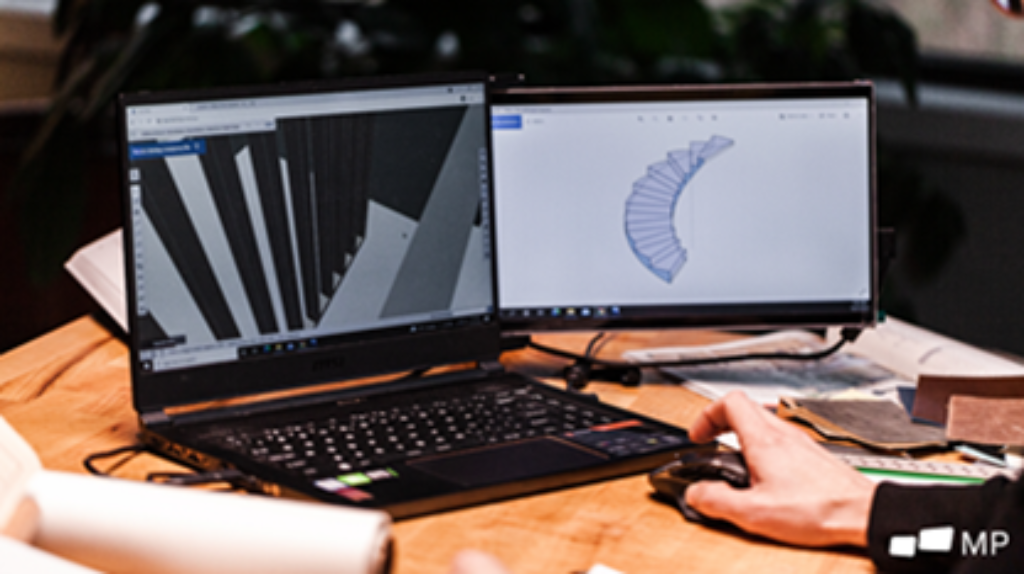
A portable monitor is a thin, light screen that you connect to a laptop (or sometimes a phone or game console) with a cable. It uses your laptop as the source, so you do not need a separate computer. Some models are a single screen that stands on the desk. Others, often called dual portable monitors, add a second screen that attaches to the laptop itself. This guide covers both.
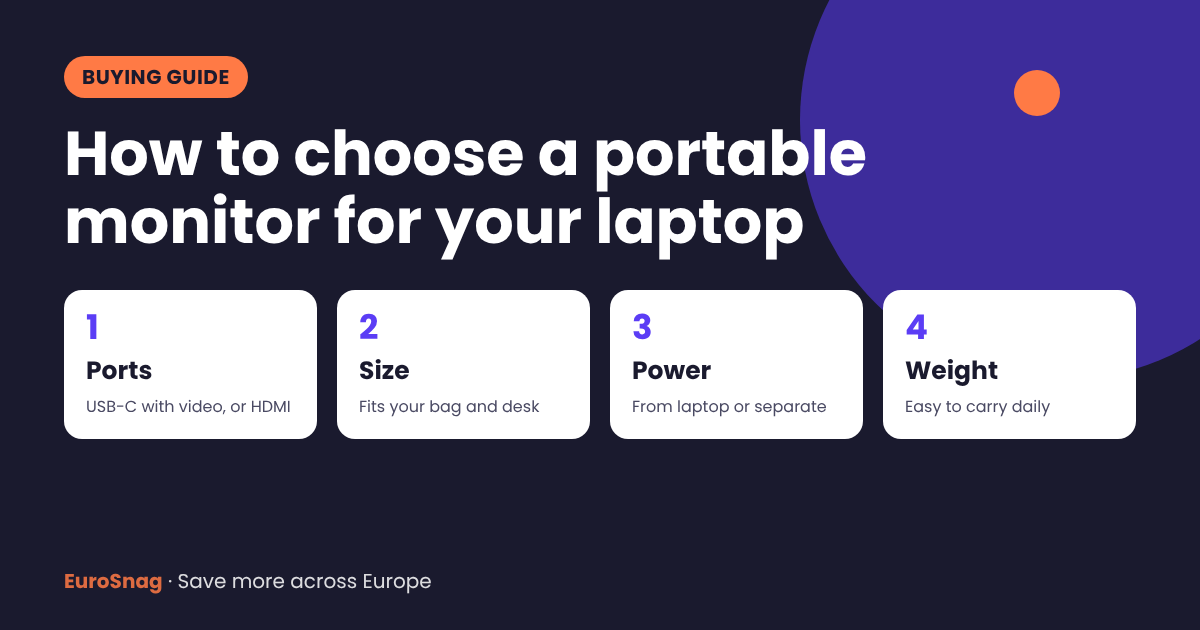
Step 1: Check your laptop’s ports first
This is the step most people skip, and it is the one that causes the most returns. Look at the ports on the sides of your laptop.
- USB-C: Many portable monitors connect over USB-C. However, not every USB-C port can send video. Check your laptop’s manual or specifications for “DisplayPort Alt Mode”, “Thunderbolt,” or a small display icon next to the port.
- HDMI: If your laptop has a full-size or mini HDMI port, you can use an HDMI cable. The monitor will usually still need power from a USB port.
- Power: some monitors take power from your laptop, which can shorten the battery life. Others work better with a separate power source. Check what the monitor needs.
If you are not sure, look up your laptop’s exact model name and add the words “external display” or “USB-C video”. You will usually find the answer on the manufacturer’s page.
Step 2: Pick a screen size that fits how you work
Portable monitors usually come in sizes from about 12 to 17 inches. A smaller screen is lighter and easier to carry, while a bigger one is more comfortable for spreadsheets or editing. As a rough guide:
- Around 12 to 13 inches: easiest to carry in a bag. Good for email, chat, and reference documents.
- Around 14 to 15 inches: a good balance if you work with documents or two windows side by side.
- 16 inches and above: more room, but heavier, so better if you mostly work at one desk.
If the monitor attaches to your laptop, also check which laptop screen sizes it is made for. A model designed for one size may not sit well on another.
Step 3: Look at resolution, brightness, and refresh rate
- Resolution: Full HD (1920 x 1080) is common at these sizes and is fine for most office work. Higher resolutions look sharper but use more power.
- Brightness: If you work near a window or outdoors, a brighter screen is easier to read. Brightness is usually listed in nits.
- Refresh rate: 60 Hz is normal for work. Higher rates matter mostly for gaming.
- Touch and stylus: only worth paying for if you will really use them.
Step 4: Think about weight and how you carry it
A portable monitor for laptop use only helps if you actually carry it. If you travel, the weight and thickness matter. Look for the weight in the product specifications, and check whether a cover or stand is included. A monitor that is too heavy tends to stay at home, and then it is not really portable.
Quick checklist before you buy
| What to check | What to look for |
| Laptop ports | USB-C with video output, or HDMI |
| Power | Does it run from your laptop, or does it need its own power? |
| Size | Does it fit your bag and your desk? |
| Resolution | Full HD is enough for most work |
| Weight | Listed in the product specifications |
| Cables and stand | What is included in the box? |
| Return policy | What if it does not work with your laptop? |
Dual portable monitors from Mobile Pixels
Mobile Pixels is a brand that makes portable monitors, including dual-screen models. On our Mobile Pixels page, we list three of its DUEX dual portable monitors, by screen size:
- DUEX Lite: 12.5 inches
- DUEX Plus DS: 13.3 inches
- DUEX Max DS: 14.1 inches
We have not tested these monitors ourselves, and we are not giving specifications here, because they can change between versions. Before you order, open the product page and check the resolution, ports, weight, and which laptop sizes the model is made for, using the checklist above. At the time of writing, we also list a Mobile Pixels Black Friday sale advertised at up to 60% off. Sales can end or change, so check the details on the Mobile Pixels website.
What about shipping and import costs in Europe?
Mobile Pixels is a US brand, so extra costs can apply when you order from Europe or the UK. As one example, we ran a test checkout to Germany on 16 November 2026. Prices were shown in euros, and standard shipping was free, with delivery estimated at 5 to 10 days. A separate duty fee of about 20% was added at checkout. An item at €195.49 had €39.10 of duty added, for a total of €234.59. We have not tested other countries, so your total may be different. Always check the full price, including shipping and duty, before you pay. Our guide to customs charges on online orders from outside Europe explains how these charges work.
FAQ
Can I use a portable monitor with any laptop?
Not always. Your laptop needs a port that can output video, such as USB-C with DisplayPort Alt Mode, Thunderbolt, or HDMI. Check your laptop’s specifications before you buy.
Will a portable monitor drain my laptop battery?
It can, if the monitor takes its power from your laptop. If battery life matters, check how the monitor is powered and whether you can plug it into a separate power source.
Is a dual-screen monitor better than a single screen?
It depends on how you work. A dual setup gives you more screen space for multitasking, while a single screen is usually simpler and lighter. Think about what you will use it for most.
Is there a discount code for Mobile Pixels?
We do not have one at the moment. If a sale is on, you can see it on our Mobile Pixels page. If a code ever does not work, see our guide on what to do when a coupon code is not working.
Last updated: 19 November 2026. We may earn a commission if you buy through our links, at no extra cost to you. See our Affiliate Disclosure.